
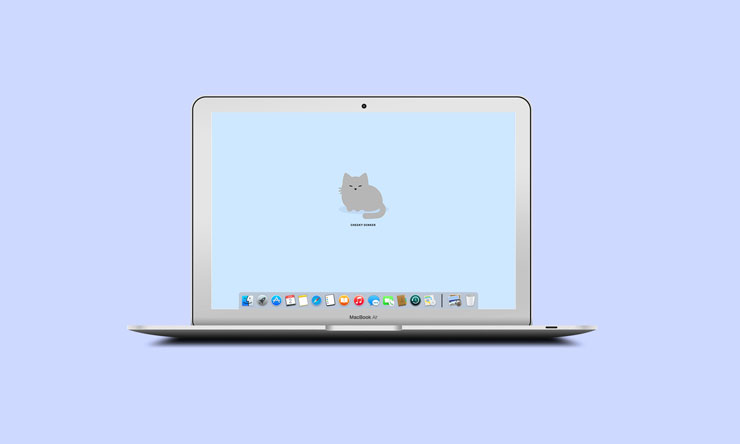
I’m a big fan of Google’s Chrome browser. I use Safari for all personal stuff, and Chrome for all work stuff, which is handy for keeping settings, histories, and autofill forms tidily separated. I’m pretty hooked on Chrome extensions, which are easy, powerful ways of adding to your browser’s functionality. The ‘new tab’ page is something we look at a lot, so I thought I’d share three of my favourite ways to customise it.
Best for boosting productivity: Momentum
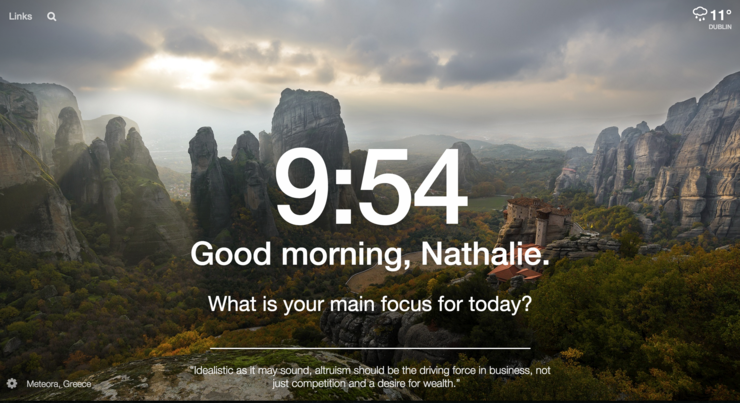
If like me, you open a new tab with plenty of good intentions but wind up “just quickly checking” for something else, then end up in falling down an endless tab rabbit hole, then this extension is for you. Ticking both the useful and beautiful box, Momentum delivers a gorgeous shot that changes daily, local weather, an inspiring quote plus, a prompt for your single focus item of the day, which definitely helps beat procrastination.
Best for cuteness: Tabby Cat
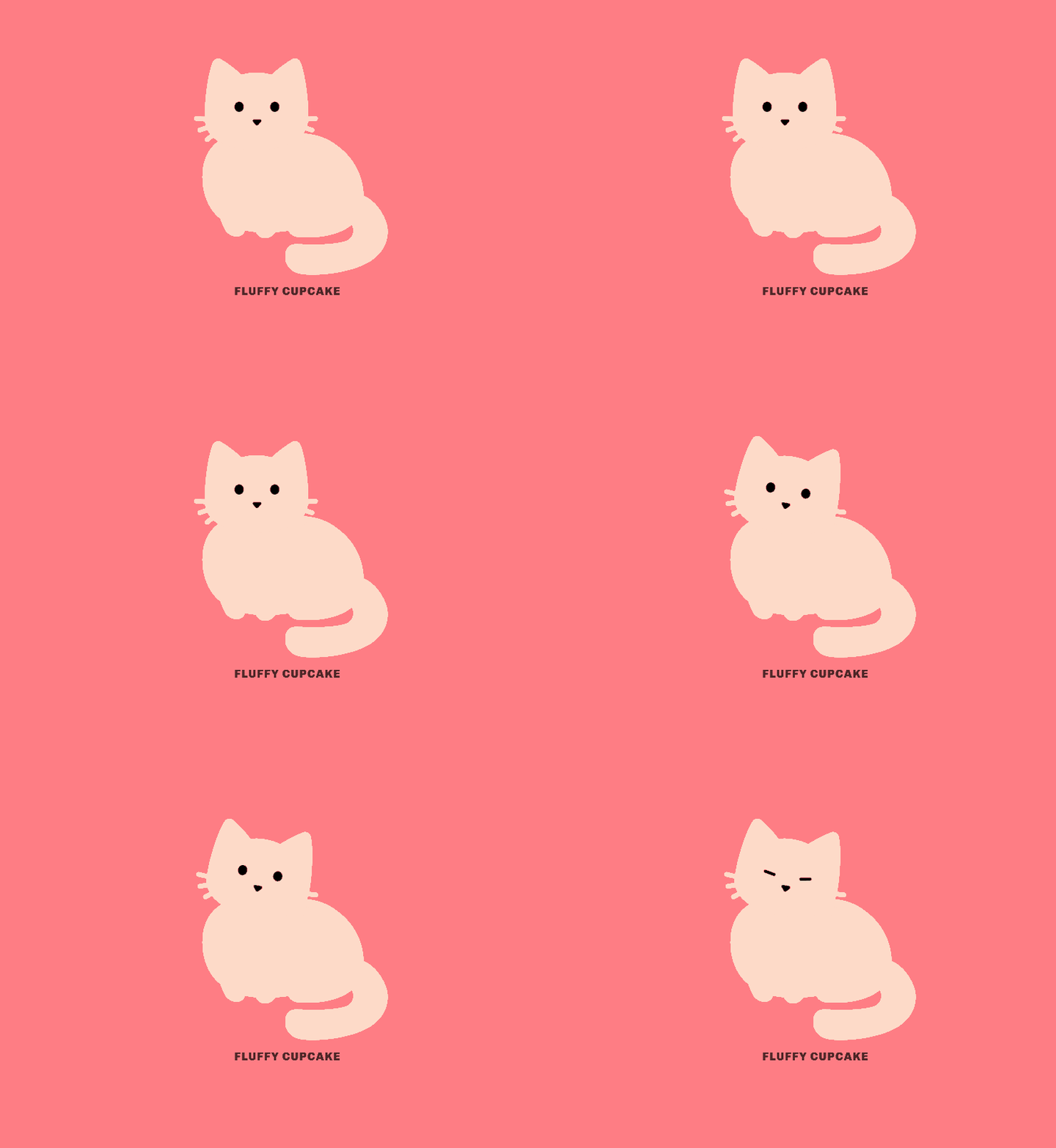
This adorable extension generates a new furry feline friend (with a great name) in every tab. Need I say more? Okay I will. As the GIF above shows, these little kitties are animated, giving you blinks, little head nods and other cute cat expressions (and none of the suspicious glares my real life cat gives).
Best for time-zone switchers: Figure It Out
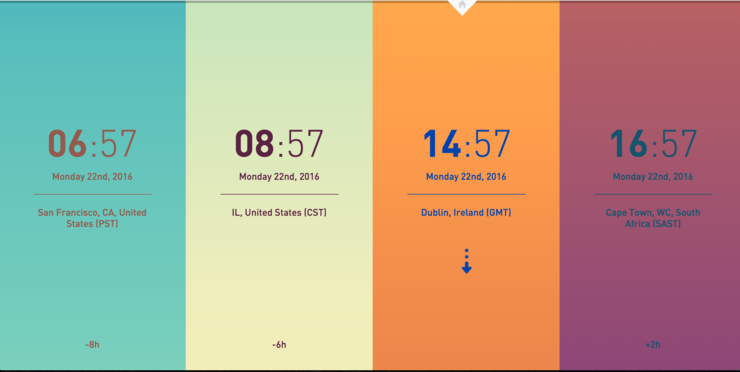
My new gig means working across a few different time zones, and FIO helps me be mindful of what time some of my colleagues are on (so I’m not scheduling meetings bang in the middle of their lunch break). You can add up to ten time zones, and just scroll to change the time. The gradients are a beautifully simple, visual way to tell you whether it’s morning, afternoon or evening.
Let me know if you have any favourite Chrome extensions, or if you decide to try any of these out!

Leave a Reply